


Dated Selfie at a Tourist Attraction (DTV Request)
Received a DTV request for a dated selfie at a tourist attraction? Learn exactly how to provide a selfie with clear date and time to avoid rejection and secur
What the embassy asked
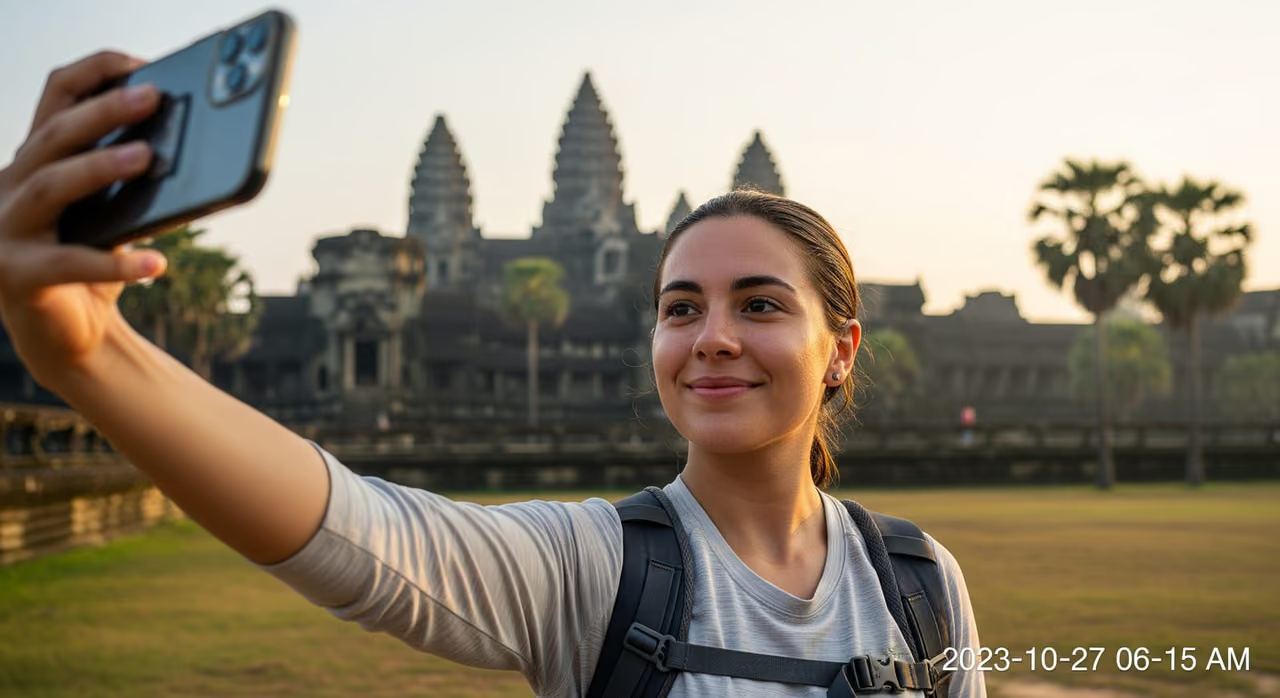
“a selfie taken at a tourist attraction. All photos submitted must clearly show the most recent date and time.”
Why the embassy asks for this
How to provide it correctly
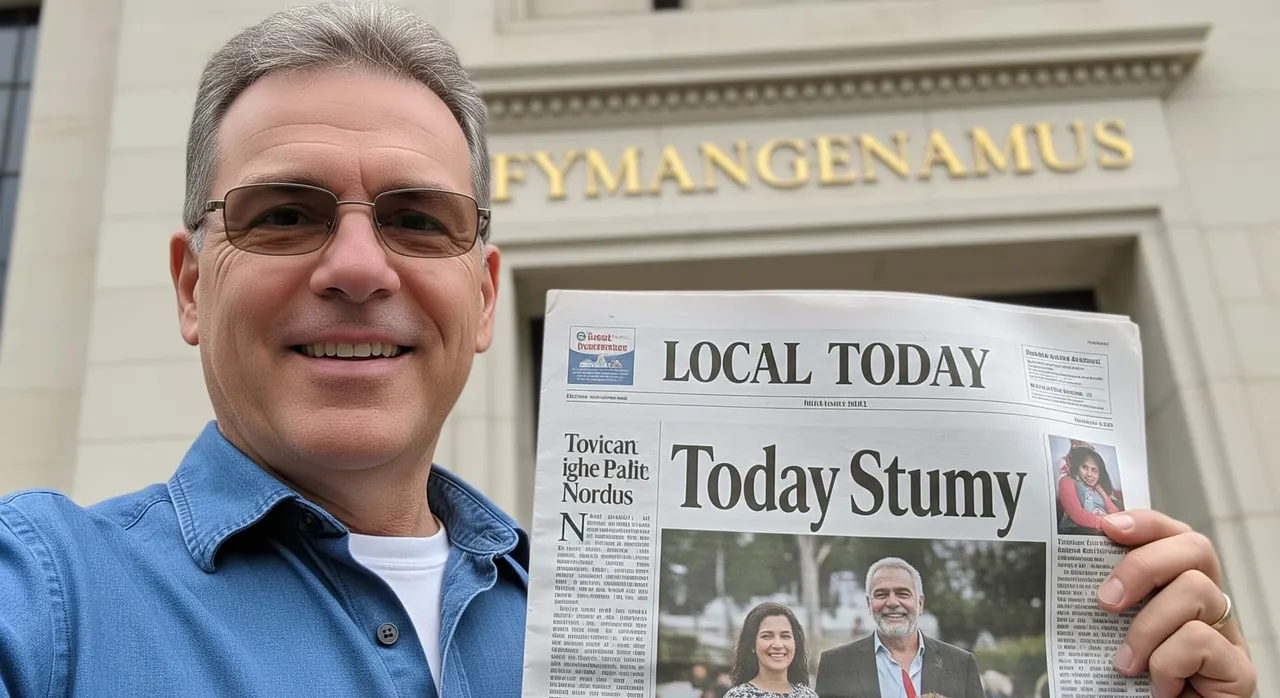
Read the embassy’s email word-for-word. Note the exact phrasing: a selfie at a tourist attraction, photos that “clearly show the most recent date and time,” and — for offices that specify it — whether they will accept only a picture taken on a particular calendar day (e.g. 13 Mar 2026) plus a named purchase receipt. If a specific day is named, take the photo on that exact calendar date; if no day is named, take it the same day you plan to upload so the visible date is the most recent possible. Go to a clearly recognisable local attraction or landmark — a signed monument, famous temple, named city square — and take a selfie that definitely includes both your face and the landmark together in the same frame. Make the current date and time visible in the shot itself. Use a camera app that overlays a timestamp or GPS stamp, or include a same-day dated item like a local newspaper front page or a digital clock on a phone lock screen. The date and time must be legible in the image, not hidden in metadata. Do not strip or alter the photo. Keep the original file with its EXIF metadata (capture date, time, GPS) completely intact — reviewers can cross-check the visible date against the file’s embedded timestamp. If the request also asked for a purchase receipt, obtain a receipt dated the same day that shows your name and the date of purchase. Keep it as a separate, clear scan or photo. Upload exactly the file(s) the email named — the dated selfie (and the receipt if asked) — in the format requested. Reply only through the official channel the e-Visa portal or email specified. Submit only what was asked and nothing extra. Do not pad your reply with unrequested bank statements, old photos, or explanations. Extra documents can slow review and, in our experience, since around May 2026, risk complicating a fresh attempt if they trigger a rejection.
Common mistakes that cause rejection
Treating this as a standard passport-style headshot instead of a proof-of-presence field photo at a landmark. Relying only on hidden EXIF metadata for the date without making the date and time visibly legible on the image as the request demands. Uploading via WhatsApp, email forwards, or social media apps that compress images and wipe metadata, leaving the file unverifiable. Missing the exact named day — taking the selfie a day early or late when an office (such as Ho Chi Minh City) specified one calendar date only. Forgetting the second item in a combined request — sending the selfie but omitting the purchase receipt with your name and date, or vice versa. Over‑submitting by adding unrequested bank statements, lease papers, or long explanations instead of replying with only the dated selfie (and receipt) that was asked for.
Frequently asked questions
Why did the embassy ask for a selfie at a tourist attraction for my DTV?
Does the date really have to be visible in the photo?
The email said to take it on a specific date — what if I miss that day?
Can I just use a normal indoor selfie?
They also asked for a purchase receipt — what must it show?
Should I send extra documents to be safe?
Get this document right the first time
Let our team prepare and check your response to the embassy — apply from $139, with a 100% refund if denied (with the optional Denial Protection add-on).