



School / Center Confirmation Email to the Consulate
Need a school confirmation email for your DTV? Our guide covers how to correctly answer the ‘dtv soft power confirmation email mfa’ request for Thailand's Des
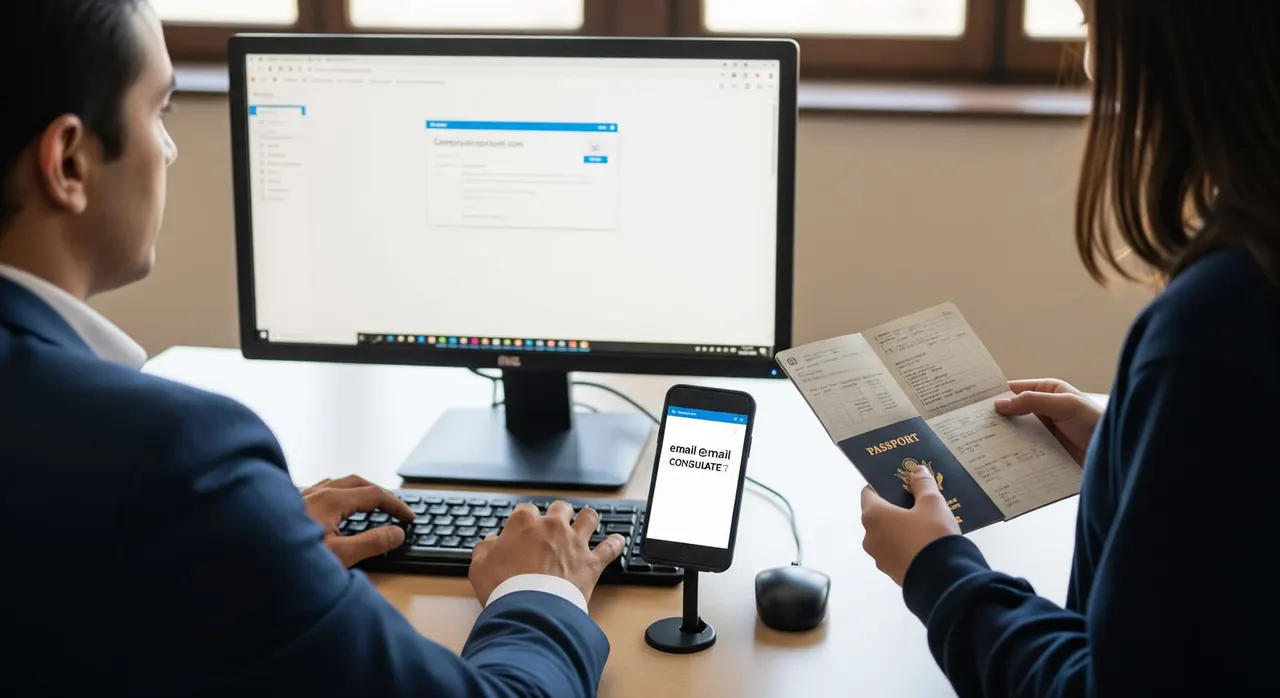
What the embassy asked
“Please ask the Center/School/Clinic/Hospital to send a student confirmation email to [email protected]. Use a business or official email listed on the website for credibility. Attach a screenshot of the email to help with verification.”
Why the embassy asks for this
How to provide it correctly
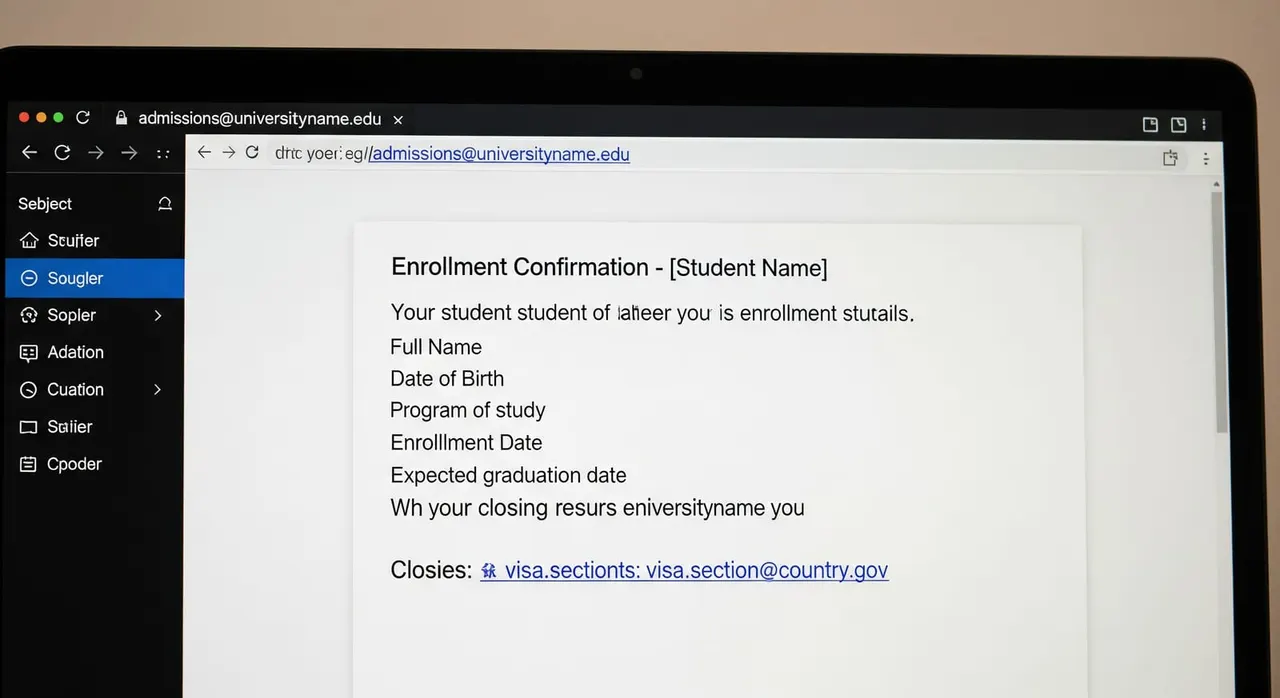
Read the consulate's exact words and split the request into its parts: (a) the provider emails the consulate, (b) from a business/official address on its website, (c) you attach a screenshot, and — if also asked — (d) a corrected enrollment letter showing your passport number. Do only what was asked, nothing extra. Forward the consulate's request, your full name, passport number and e-Visa application/reference number to your school, center, clinic or hospital, and confirm WHICH consulate email address they must write to (use the exact address from the consulate's message; do not guess). Have the provider send the student/enrolment confirmation email from an official business address whose domain matches the website (e.g. [email protected]), not a free Gmail/Outlook/Hotmail or a personal staff account — credibility comes from the address matching the public website. Make the email content state your full name, passport number, the program/activity, and the dates/duration, so it matches your uploaded activity letter exactly; ask them to CC you so you receive the same message. Take a clean screenshot of the sent/received email showing the provider's official sender address, the consulate recipient address, the subject and the date, then save it as a clear PDF or PNG. If the consulate also flagged the passport number, have the provider reissue the enrollment/acceptance letter (or hospital letter of appointment) on letterhead with the correct passport number — matching your passport exactly — keeping the dates and signature/stamp. Upload only the requested items back through your existing e-Visa application on thaievisa.go.th (the screenshot, and the corrected letter if asked); reply on the same consulate email thread if they asked you to confirm by email. Verify everything in Thai or English; if the provider's email or letter is in another language, add a certified translation legalized by an Embassy/Consulate or the Ministry of Foreign Affairs before submitting.
Common mistakes that cause rejection
Sending the provider's confirmation from a personal Gmail/staff account, so the consulate cannot tie it to the institution's public website. Overlooking the 'send to the consulate' part and just re-uploading the same PDF letter, when the consulate wanted a direct email from the provider plus a screenshot. Leaving a passport-number typo on the letter, or correcting it on the letter but not asking the provider to also state it in the email. Over-submitting: attaching extra unrequested documents (bank statements, CV, a longer course contract) instead of only the screenshot and corrected letter that were asked for. Choosing a very short program (e.g. a one-month course) so the activity looks weak; longer, genuine enrolment at a registered/certified provider verifies far more cleanly. Treating this as the embassy 'issuing' the visa — it is only a review request on your online e-Visa file; replying late or to the wrong address stalls the file.
Frequently asked questions
Can I send the confirmation email myself instead of the school?
Why does the email have to come from a business email on the website?
What screenshot do they want?
They asked me to resubmit the enrollment letter with my correct passport number — what changed?
Does this confirmation email replace my uploaded enrollment/acceptance letter?
The school’s email is in Thai/another language — is that a problem?

Get this document right the first time
Let our team prepare and check your response to the embassy — apply from $139, with a 100% refund if denied (with the optional Denial Protection add-on).