



"Name Does Not Match Passport" on the Thai e-Visa
Got a DTV "name does not match passport" e-Visa rejection? Learn how to split your surname and given names from the passport MRZ so the error never happens again.
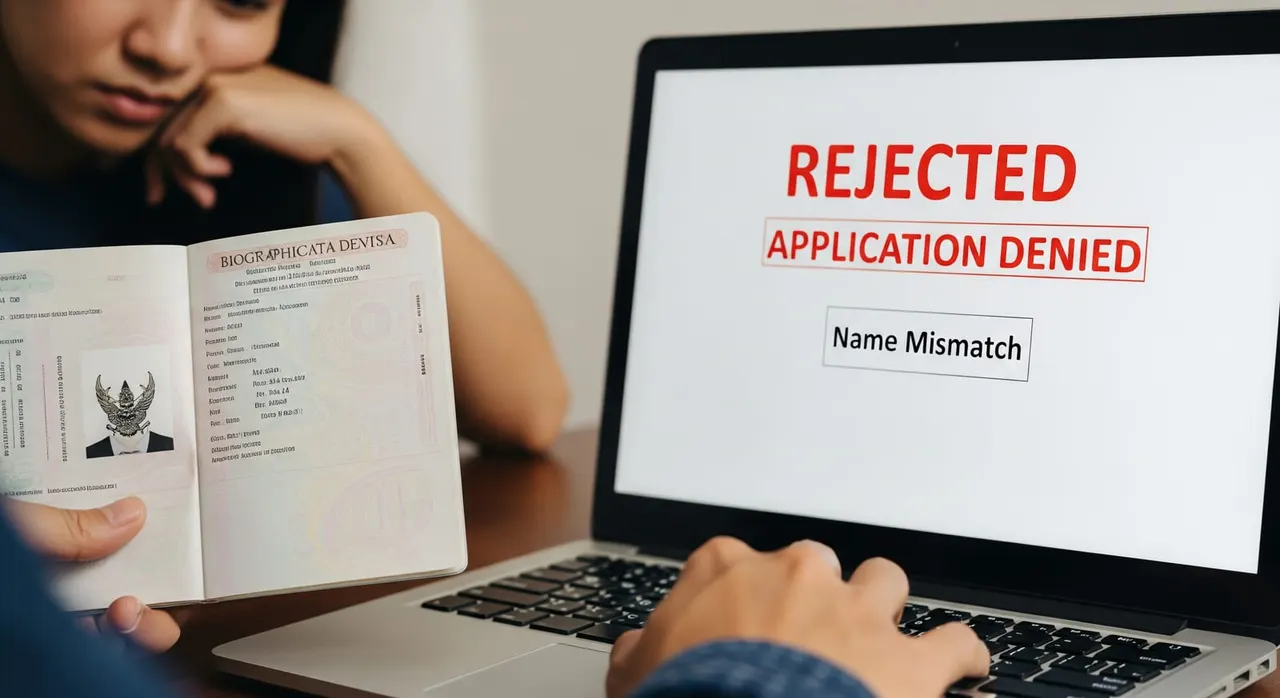
What the embassy asked
“Your visa application has been rejected. - To fill in KANG in Family name and CHING CHOON in First name - The name in the application does not match the name on the passport. Please follow the guidelines in this link: https://singapore.thaiembassy.org/en/page/how-to-fill-in-the-name-e-visa”
Why the embassy asks for this
How to provide it correctly
Open your passport to the data (biodata) page and read the two MRZ lines at the very bottom — these, not the printed labels, are the source of truth for the spelling and split of your name. Put ONLY your surname in the “Family name” box. On a US/UK passport this is the “Surname” / “Last name” field; in the MRZ it is the part before the double chevron ('<<'). Put ALL given names in the “First name” box — including any middle name(s). If the passport “Given names” field reads “JOHN WILLIAM”, type “John William” in First name; never drop the middle name and never push it into Family name. If your nationality has no family name (single-name passport), type the entire name in the “First name” box and leave “Family name” blank — do not duplicate the name into both fields and do not type N/A. Remove all symbols the portal forbids — no hyphens, periods, slashes or @ (e.g. type the MRZ form MUELLER or JEANLUC rather than Müller or Jean-Luc) and enter no initials and no “N/A” in any name field. Cross-check the typed Family name + First name against the MRZ character-for-character, then against the printed biodata line, before paying — the e-Visa portal will not let you edit the name once the application is submitted. If you have ALREADY been rejected for this, do not try to amend the old file: start a fresh e-Visa application with the corrected name split, since a new application requires you to withdraw/re-submit and pay the processing fee again in full. Submit only the corrected name fields and the originally requested documents — do not attach a marriage certificate, deed poll or other proof of name unless your passport name genuinely differs from a supporting document and that specific proof was requested.
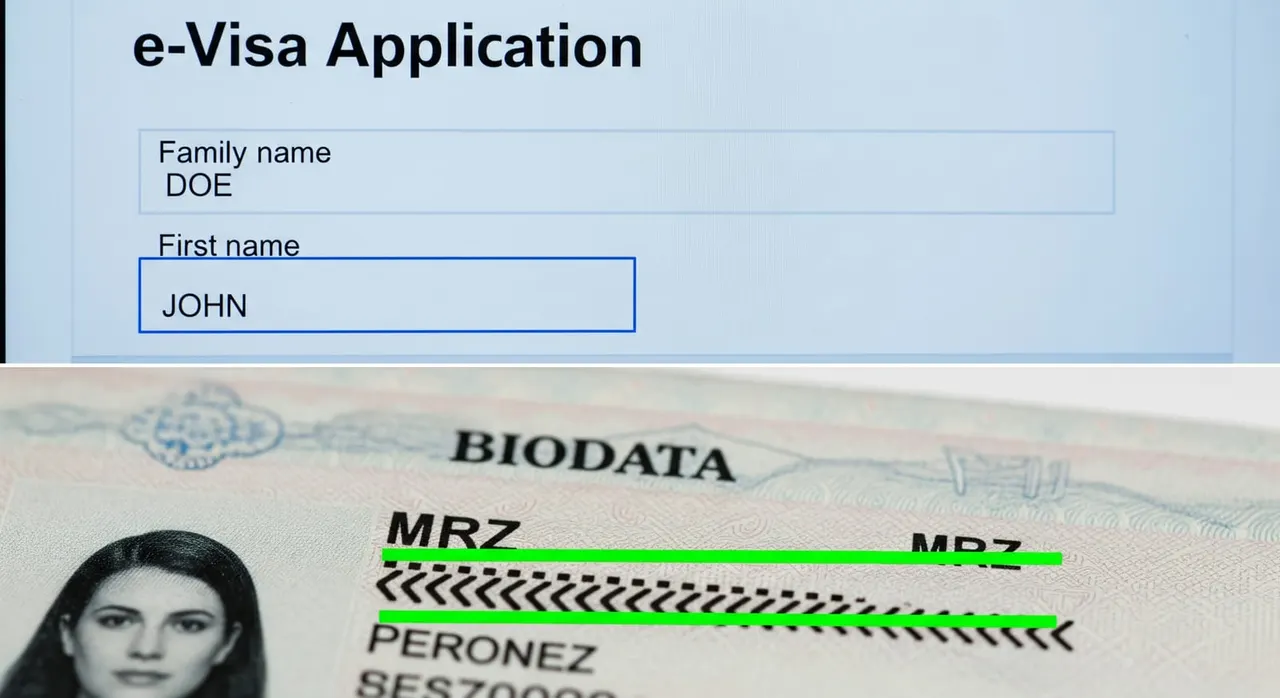
Common mistakes that cause rejection
Trusting the printed labels over the MRZ — the MRZ (surname before '<<', given names after) is the definitive guide. Assuming the embassy or the system will quietly fix a flipped name — officers cannot edit personal details, so a swap is rejected outright. Leaving a middle name out of “First name” because the form only labels it “First name”, then mismatching the passport’s two-or-three-part given-name string. Copying the name from a flight booking or bank letter (which may abbreviate or reorder it) instead of from the passport MRZ. Adding hyphens or accents that the passport MRZ strips out, e.g. typing “Jean-Luc” or “Müller” instead of the MRZ “JEANLUC” / “MUELLER”. After rejection, hunting for a way to amend the existing file instead of starting a fresh application — there is no edit path, so the fix is a new submission (fee payable again).
Frequently asked questions
The embassy email says “fill in the surname in Family name and the given names in First name” — what exactly does that mean?
Where do I put my middle name on the Thai DTV e-Visa?
I have only one name and no surname — what do I type?
My name has an accent or a hyphen (Müller, Jean-Luc) — how do I enter it?
Can I just edit my name after I notice the mistake?
Will reapplying after a name-match rejection hurt me?

Get this document right the first time
Let our team prepare and check your response to the embassy — apply from $139, with a 100% refund if denied (with the optional Denial Protection add-on).