



Hyphenated & Compound Names on the Thai e-Visa
Avoid rejection for a dtv hyphenated name evisa application. Transcribe compound names to match passport MRZ, using exact embassy guidelines.
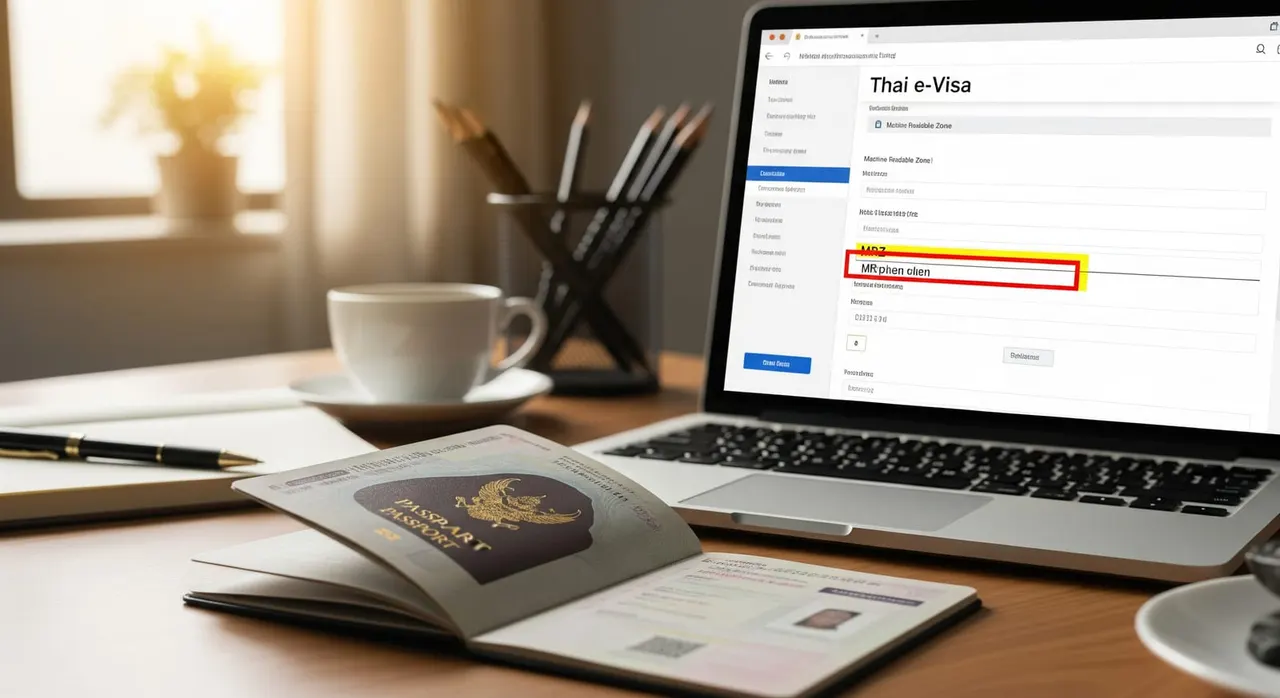
What the embassy asked
“To fill in WILLIAMS in Family name and ANNE MARIE AMARYLLIS BODAL in First name without hyphen between ANNE-MARIE. Please follow the guideline in this link: https://singapore.thaiembassy.org/en/page/how-to-fill-in-the-name-e-visa”
Why the embassy asks for this
How to provide it correctly
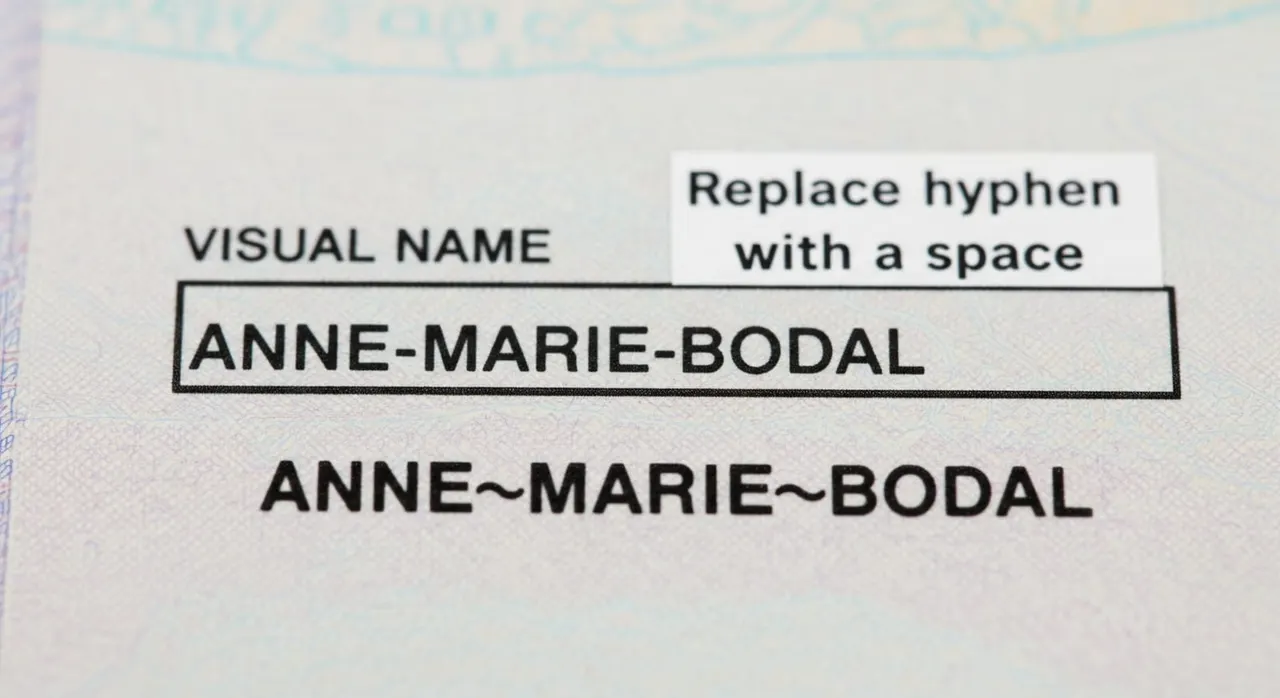
Open your passport to the data page and look ONLY at the MRZ (the two long lines of letters, numbers and '<' symbols at the very bottom) — not the printed 'Surname'/'Given names' lines, because the MRZ is what the visa must match. Read the MRZ format: the part before the double chevron '<<' is your surname; everything after it, separated by single '<' marks, is your given names. Example from the official guideline: POPESCU<<MIHAELA<STEFANIA means surname POPESCU, given names MIHAELA STEFANIA. Type the surname exactly as it appears before the '<<' into the Family name box (e.g. POPESCU), with no hyphen. Type your given names into the First name box exactly as the MRZ spells them, replacing every hyphen with a single space — so a passport 'ANNE-MARIE' is entered as ANNE MARIE, and 'Jean-Luc' as JEAN LUC, per the verbatim embassy instruction. Do NOT type the characters -, ., / or @ anywhere; the official MFA guideline states these symbols cause rejection and forfeiture of the fee. Remove any trailing dash a previous attempt left in a field. If a name part does not exist (e.g. no middle name), leave that box blank — do not enter '-', 'N/A' or 'X'. Only put a single '-' if the system marks that box as a REQUIRED field that will not submit empty. Keep any space the MRZ shows between two surname words or two given-name words (e.g. enter 'Stancheva Yordanova' with the space, never 'Stanchevayordanova'). Re-read the whole name against the MRZ character-by-character, confirm 0/O, 8/B, 5/S are not confused in adjacent passport fields, then resubmit only the corrected name — nothing extra was requested.
Common mistakes that cause rejection
Reading the printed 'Given names' line (which shows the hyphen/accent) instead of the MRZ, then arguing the visa should keep the hyphen — the MRZ has none. Assuming a hyphen is not a 'special character' and leaving it in; the official guideline explicitly names '-' as a symbol that causes rejection. Believing the hyphen must be added to 'match the passport' after seeing the visual line — some applicants report a confusing rejection note phrased like 'missing "-" in the last name', but the official rule and the verbatim embassy email both say to drop it and split on a space. Over-correcting by replacing the hyphen with nothing and merging the words (ANNEMARIE) instead of using a single space (ANNE MARIE). Leaving a stray dash or 'N/A' in the middle-name box for someone with no middle name, instead of leaving it blank. Re-submitting extra material (a name-change deed, marriage certificate or an explanation letter) that was not requested — the only fix asked for is the corrected name typed without the hyphen.
Frequently asked questions
My passport shows ANNE-MARIE with a hyphen — do I type the hyphen into the DTV form?
Where exactly do I find the correct spelling to use?
If I drop the hyphen, won't my visa fail to match my passport?
I have no middle name — what do I put in that box?
My compound surname is two words, like Stancheva Yordanova. Do I keep the space?
I was already rejected once for the hyphen — does re-applying hurt my chances?
What if my passport is new and the MRZ looks different from the example?

Get this document right the first time
Let our team prepare and check your response to the embassy — apply from $139, with a 100% refund if denied (with the optional Denial Protection add-on).