


Submitting Your Full Passport, Including Blank Pages
Need to upload a dtv full passport scan blank pages for your DTV? We show exactly how to submit every passport page in one file and avoid rejection.
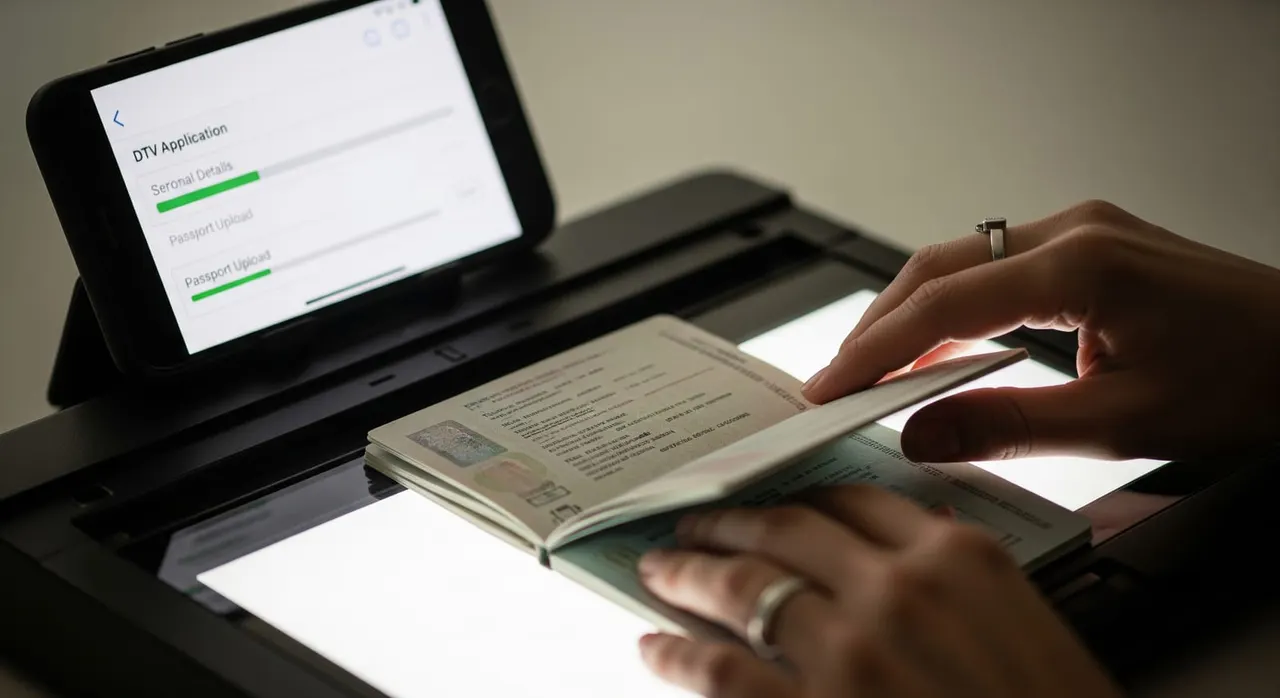
What the embassy asked
“Provide your full passport, including all pages (even blank ones)”
Why the embassy asks for this
How to provide it correctly
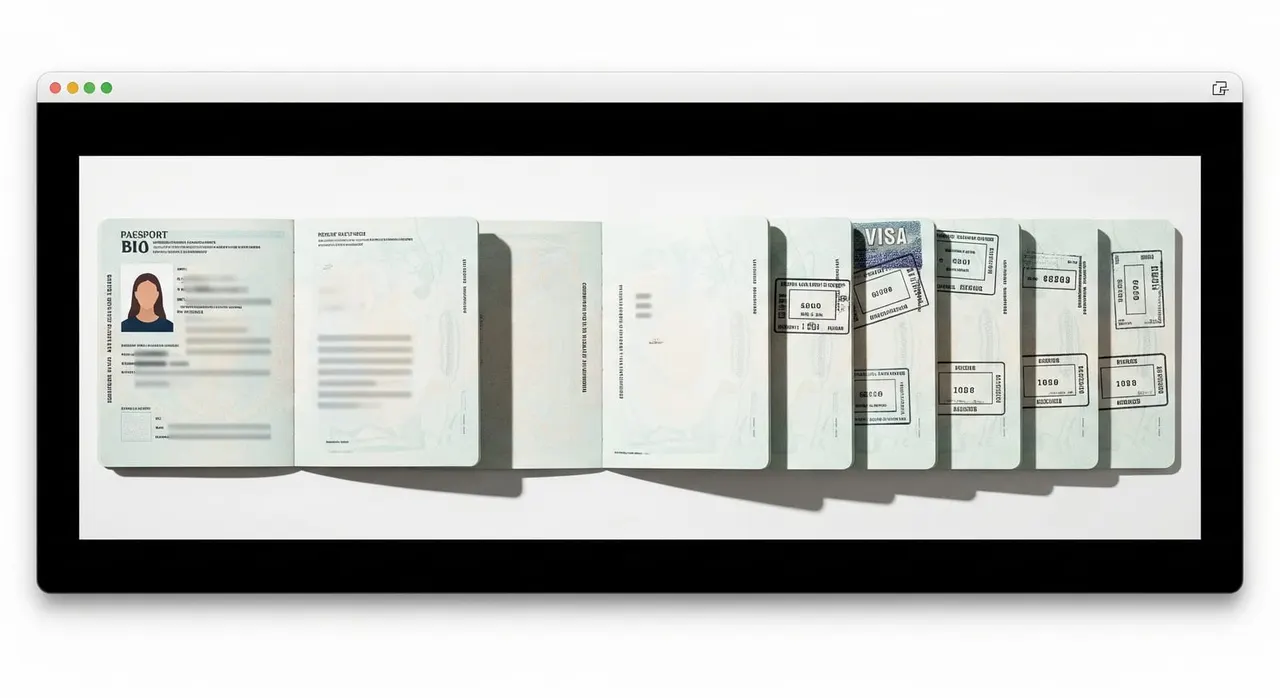
Re-read the exact request email and take it literally: “all pages” means every numbered page—bio page, back/issuing page, all stamps, visas, and blank pages—with nothing omitted. Lay your passport flat and scan or photograph each page individually in colour at about 300 dpi. Ensure full page visibility with no cut-off edges and no glare on the bio-data or machine-readable zone. Keep pages in true passport order (page 1 onwards) and check the page-number sequence so it’s clear no page is skipped. Include inside front and back covers if they carry issuing authority or signature. Combine all page images into one single file in passport order. The portal expects merged passport pages, so export as one PDF (or a single JPG if that’s what was specified). Compress the merged file to stay within the e-visa portal’s upload limit (JPG/PDF, generally under ~3MB). Use a tool like iLovePDF or TinyJPG, ensuring text and stamps remain fully legible. Before you submit, verify your passport is valid for six more months and has at least two genuinely blank visa pages for the stamp—this is what the reviewer is checking. Upload only the requested full-passport file by replying to the same Request for Further Document or re-uploading within your existing application. Do not add extra unrequested documents. Keep your email and phone reachable after re-submitting; the reviewer may follow up. Do not start a new application, as that can complicate the open one.
Common mistakes that cause rejection
Thinking “full passport” only means the bio-data page, because that’s all the original form asked for. Leaving out blank pages to “save space,” not realising they are exactly what the embassy is verifying. Uploading each page as a separate file or in random order, instead of merging everything into one in-sequence PDF. Exporting a large multi-page PDF that exceeds the ~3MB limit, then either failing to upload or sending an unreadable, heavily compressed version. Cropping or auto-trimming pages so edges, page numbers, or the machine-readable zone are cut off. Starting a fresh DTV application or sending extra documents instead of simply replying to the open request with one complete passport file.
Frequently asked questions
Do I really have to scan blank pages too?
Should I send one file or many?
What file format and size does the portal accept?
My default application only asked for the bio page—why is the embassy now asking for everything?
I left out a few pages and got the request again—is that why?
Can I just photograph the pages with my phone?
Get this document right the first time
Let our team prepare and check your response to the embassy — apply from $139, with a 100% refund if denied (with the optional Denial Protection add-on).