


Crypto, Stocks, PayPal & Sponsors Not Accepted as DTV Funds
DTV proof of funds crypto not accepted: stocks, PayPal and sponsor accounts are rejected too. Learn how to move funds into an accepted personal account for your DTV.

What the embassy asked
“exclude brokerage/stock/crypto/Bitcoin/investment/business/PayPal/sponsor accounts.”
Why the embassy asks for this
How to provide it correctly
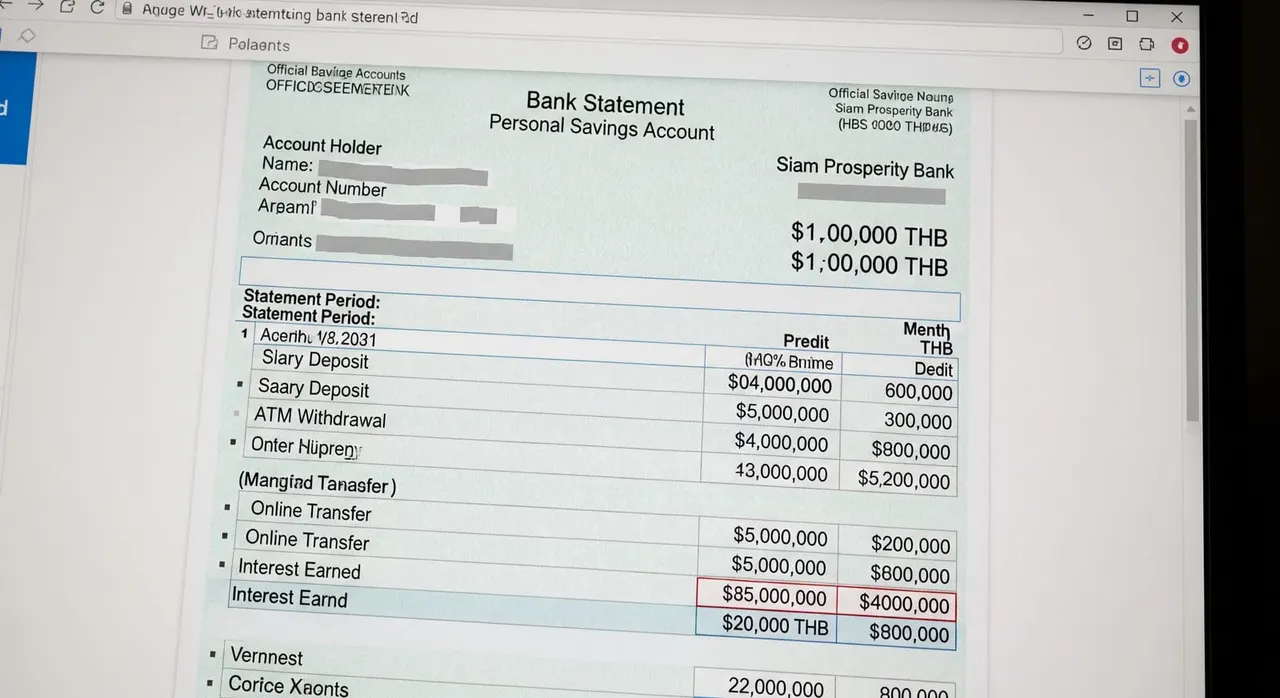
Re-read the embassy email and note the exact exclusion list — the real wording is 'exclude brokerage/stock/crypto/Bitcoin/investment/business/PayPal/sponsor accounts' and 'Stock/Crypto/Bitcoin/Investment/Business/PayPal account and sponsor are not accepted.' They want a personal deposit/savings account only. Identify (or open) a personal savings or current account in your own name where the name matches your passport exactly — not a business account, not a joint account where you are not the primary holder, not a sponsor's account. Move the funds into that personal account: sell the crypto on the exchange and withdraw to your bank as a clearly labelled transfer, liquidate the brokerage/stock position and transfer the cash out, or drain the PayPal balance to your bank. Keep the conversion/withdrawal receipts as a paper trail explaining the deposit. Make sure the personal deposit account holds at least 500,000 THB (~$15,000), or the verbatim per-office equivalent your reviewing office quoted (for example GBP 11,000 has been quoted by the London office) — confirm the exact figure your office stated rather than assuming. Let the money settle and, where possible, show 6 months of transactions on that deposit account so the balance does not look like a one-day top-up; a balance that only appears in the final statement reads as a temporary 'loan' and can trigger another rejection. Download an OFFICIAL statement as a PDF from your bank's app or web portal (or a bank-stamped letter) — not a phone screenshot or photo of a screen — covering the transaction history and showing the current balance dated within 7 days of resubmission. Confirm the statement is in Thai or English; if it is in any other language, get a certified translation that is legalized, and attach it to the original. Resubmit through the same Thai e-Visa portal application, uploading ONLY the personal deposit statement that was requested — do not also attach the crypto, brokerage, PayPal or sponsor documents that were rejected, and do not add extra unrequested files.
Common mistakes that cause rejection
Re-uploading the same rejected crypto/brokerage/PayPal/sponsor document with extra explanation, instead of switching to a personal deposit statement — the account TYPE is the problem, no cover letter fixes it. Selling crypto or stocks and submitting the same day, so the deposit appears only in the final statement and reads as a temporary 'loan' rather than seasoned funds. Using a business account in your own name and assuming it counts because the name matches — the embassy excludes business accounts explicitly. Submitting a sponsor's or relative's statement (parent, spouse) believing a sponsor balance is allowed for the DTV funds test, when sponsor accounts are not accepted. Sending a screenshot of a banking app or exchange instead of an official PDF statement, or sending a statement older than 7 days. Padding the resubmission with all their financial documents (crypto + brokerage + bank) instead of sending ONLY the requested personal deposit statement — breaking the golden rule of submitting only what was asked.
Myth
'My business account is in my own name, so it should count.'
Fact
Frequently asked questions
Can I use my Binance/crypto account or a Bitcoin balance as DTV proof of funds?
My brokerage/stock portfolio is worth far more than $15,000 — why was it rejected?
I have a business account in my own name — does that count?
Can my parents or a sponsor show the 500,000 THB for me?
I just sold my crypto and deposited the money — can I apply immediately?
I was rejected for using a crypto account — should I resend it with a longer explanation?

Get this document right the first time
Let our team prepare and check your response to the embassy — apply from $139, with a 100% refund if denied (with the optional Denial Protection add-on).