


Company Profile Document for the DTV (History, Vision, Website)
DTV company profile document request? Learn how to prepare a correct profile with history, vision, website link and avoid DTV rejection.

What the embassy asked
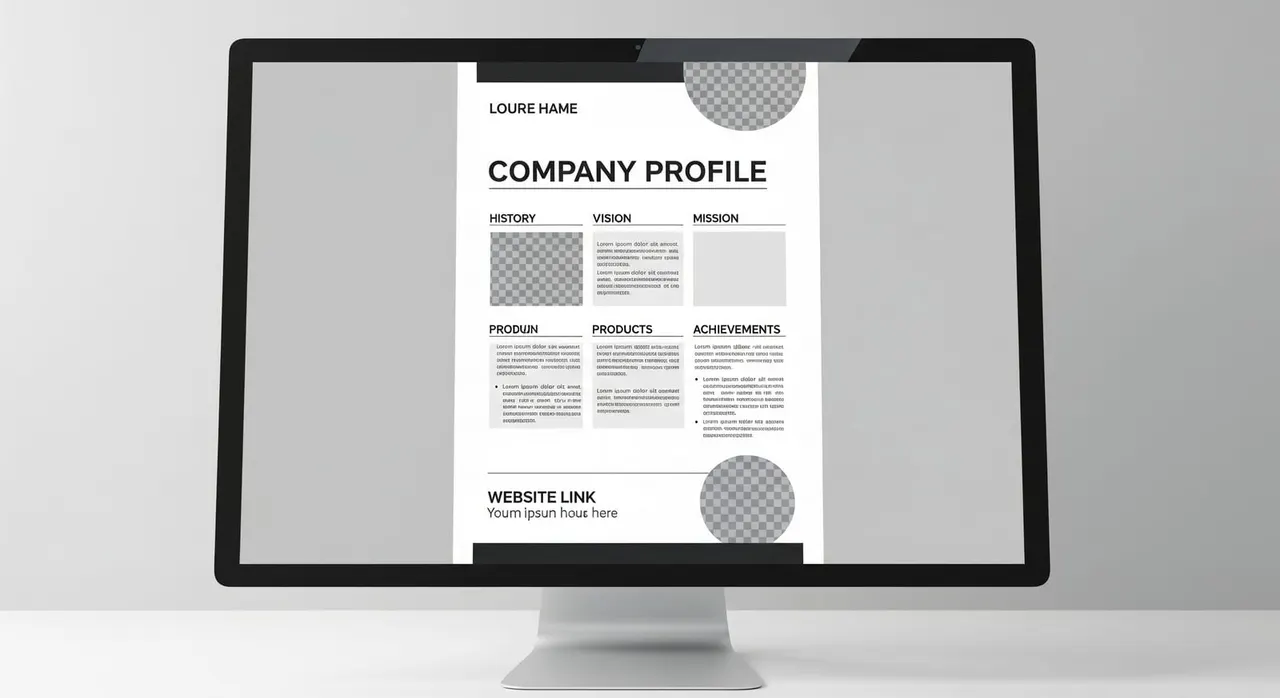
“Please provide a company profile that includes details about its history, vision, mission, products, achievements, and a link to your company's website.”
Why the embassy asks for this
How to provide it correctly
Read your request email carefully: if it asks only for a company profile (history, vision, mission, products, achievements, website), supply just that; if it also demands a business registration showing the company name and legal representative, attach both. Create the profile on official company letterhead. For employees, request it from your HR or manager. Business owners write it themselves. Ensure it has clear headings for each element: history (founding year, key milestones), vision, mission, products/services, achievements (e.g. awards, major clients, growth figures), and the live website URL. Make the website link clickable and live. The domain must match your employer’s email domain and letterhead, and the site should describe the same business as the profile. A dead link or a free-host placeholder can undermine the entire document. Keep the profile in Thai or English. If any part of it (or the business registration) is in another language, attach a certified translation signed by a licensed translation office. Have it legalized if your country requires it. If your request included the variant asking for a business registration, attach the official certificate (e.g. Certificate of Incorporation) that clearly displays the company name and the legal representative’s or director’s name, exactly as they appear in the profile and employment documents. Cross-check consistency: the company name, address, website and legal representative’s name must read identically across the profile, registration, employment certificate/contract, payslips or invoices you have already submitted. Even small mismatches are a common reason for rejection. Export everything as clear, high-resolution PDFs or JPEGs and upload them through the same e-Visa portal thread or email where the request was sent, before the stated deadline. Do not open a new application. Submit only what was asked. Do not pad the response with extra HR files, financials or personal data — excess documents can trigger further scrutiny and violate the golden rule of responding precisely to the request.
Common mistakes that cause rejection
Submitting a one-line description or LinkedIn screenshot instead of a structured profile with all six sections. Omitting the website link altogether, or linking to a page that is not live, not clickable in the PDF, or uses a completely different domain. Not noticing the variant request that also requires a business registration showing the legal representative’s name. Allowing slight differences in company name, address, or representative across the profile, registration, and your employment/contract documents. Providing a profile or registration in the original language without an official certified translation into Thai or English. Adding stacks of unrequested material like financial reports or internal HR files, hoping to be “safe” — this only adds risk.
Frequently asked questions
Who actually writes the company profile — me or my employer?
Do I also need to submit a business registration document?
What if my company does not have a website?
My company documents are not in English or Thai — what should I do?
Does receiving this request mean my DTV application is likely to be rejected?
Can I ignore parts of the request if I think they don’t apply to my situation?

Get this document right the first time
Let our team prepare and check your response to the embassy — apply from $139, with a 100% refund if denied (with the optional Denial Protection add-on).